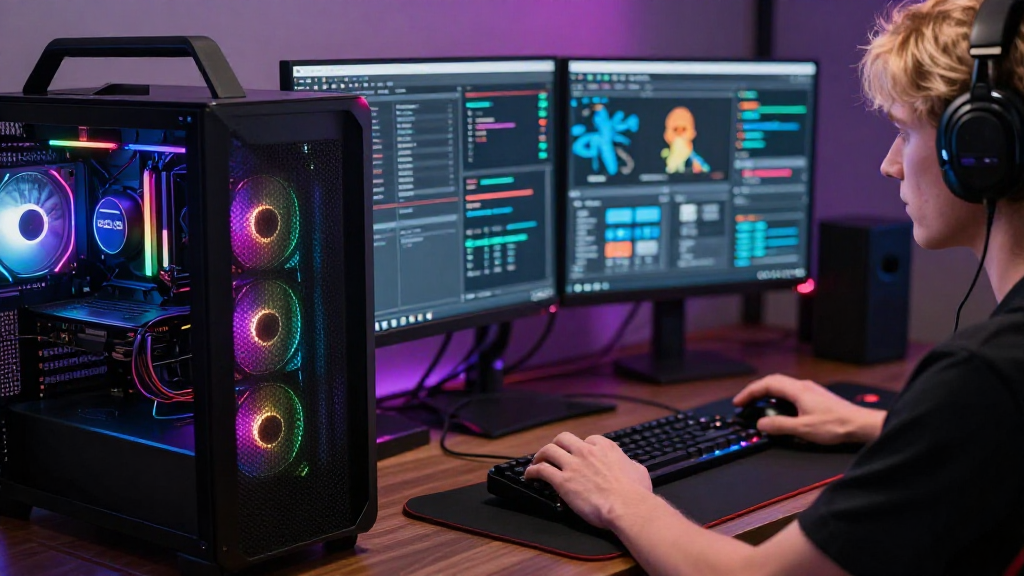
In the world of gaming, achieving peak performance requires a deep understanding of gaming and system optimization.
But what exactly does it entail?
This article will explore how gamers optimize their game systems to ensure smooth performance, enhanced visuals, and an overall improved gaming experience.
What Is Gaming and System Optimization?
Gaming and system optimization refers to the process of enhancing a gaming system’s performance to eliminate lag, increase frame rates, and ensure better graphics.
This process involves a combination of hardware upgrades and software adjustments designed to make the most out of a gaming platform.
Key areas of focus for gamers include:
- Hardware specifications
- Software settings
- Network configuration
- System maintenance
Through a combination of these elements, gamers can create an environment that maximizes their gaming experience.
How Do Hardware Upgrades Impact Performance?
When it comes to optimizing a game system, hardware upgrades are often the first step.
Common hardware upgrades for gaming systems include:
-
Graphics Card (GPU) – A high-performance GPU is crucial for rendering graphics smoothly.
-
Processor (CPU) – Upgrading to a faster CPU can significantly improve game performance, especially in CPU-intensive games.
-
RAM – Increasing your system’s RAM allows for more tasks to be handled simultaneously, which can lead to improved load times and overall performance.
-
Storage Solutions (SSD vs. HDD) – Solid State Drives (SSDs) provide faster load times compared to traditional Hard Disk Drives (HDDs).
-
Cooling Systems – Proper cooling can prevent hardware from throttling due to overheating, ensuring consistent performance.
All these hardware choices can have a direct impact on how well games perform.
What Software Adjustments Are Essential for Optimization?
After ensuring the hardware is up to par, gamers need to dive into software settings for further optimization.
Here are some of the key software adjustments to consider:
Update Drivers Regularly
Outdated drivers can cause performance issues, so it’s crucial to:
- Regularly check and update graphics, audio, and motherboard drivers.
- Use manufacturer websites or dedicated software like GeForce Experience for easy updates.
Optimize Game Settings
Most games allow players to modify settings for performance or visual quality. Key adjustments include:
- Resolution – Lowering the resolution can significantly enhance performance.
- Graphics Quality – Reducing settings like shadows, textures, and anti-aliasing can lead to higher frame rates.
- V-Sync and Frame Rate Limiting – Turning these off might help reduce lag in some situations.
Utilize Game Mode
Many operating systems, like Windows 10, offer a Game Mode setting that optimizes the PC for gaming.
Enabling this mode can help:
- Allocate more resources to the game.
- Disable background processes while gaming.
How Does Network Configuration Play a Role?
For online gaming, network configuration is a vital part of gaming and system optimization.
A slow or unstable internet connection can ruin the gaming experience, so consider the following:
Use Wired Connections
Whenever possible, use an Ethernet cable instead of Wi-Fi to achieve:
- More stable connection
- Lower latency
Optimize Router Settings
Setting up Quality of Service (QoS) on your router can prioritize gaming traffic, ensuring smooth gameplay.
Additionally, ensure that:
- The router firmware is updated.
- Unnecessary devices are disconnected during gameplay.
Monitor Internet Speed
Utilizing speed test tools can help determine your connection quality. Look for:
- Download speeds
- Upload speeds
- Ping/latency times
Why Is System Maintenance Important?
Regular maintenance is a critical part of gaming and system optimization.
Over time, systems may accumulate files and configurations that can hinder performance.
Clean-Up and Defrag
To maintain optimal performance, focus on:
- Regularly cleaning unnecessary files and programs.
- Using disk defragmentation on traditional hard drives (not SSDs) to improve access speed.
Manage Background Processes
Use the Task Manager on Windows or Activity Monitor on Mac to identify and disable unnecessary background processes that consume resources during gaming sessions.
Run Virus Scanners
Malware can significantly impact your system’s performance.
Regularly run checks using reliable antivirus software to ensure your system is clean.
What Tools Can Aid in Optimization?
Fortunately, there are many tools available that assist in gaming and system optimization.
Benchmarking Tools
These tools help assess your hardware and identify areas for improvement. Popular options include:
- 3DMark
- UserBenchmark
Monitoring Software
Using software like MSI Afterburner enables you to monitor temperatures, frame rates, and other performance metrics in real time.
Game-Specific Optimizers
Some games come with built-in optimization tools or settings that can automatically adjust hardware utilization for optimal performance.
Final Thoughts on Gaming and System Optimization
In conclusion, optimizing a gaming system is a multifaceted process involving hardware upgrades, software adjustments, network configuration, and regular maintenance.
By focusing on these key areas, gamers can significantly enhance their experience, reducing lag, ensuring seamless gameplay, and enjoying higher-quality graphics.
Whether you’re a casual gamer or an esports contender, understanding how to implement gaming and system optimization strategies will take your gaming to the next level.
Remember to regularly assess both your hardware and software, keeping your gaming system in top shape for every challenge ahead!