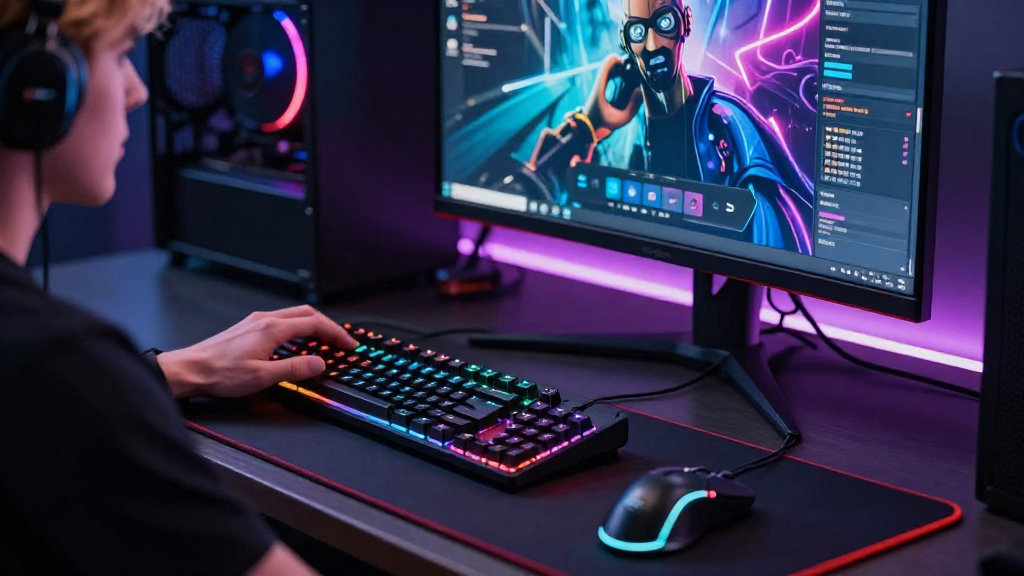
Every gamer wants to enhance their gaming experience.
One of the most effective ways they achieve this is by learning how gamers optimize their settings.
This article will delve into the various methods and strategies that gamers use to fine-tune their game settings for maximum performance.
What Are Game Settings and Why Are They Important?
Game settings refer to the customizable options available in video games that allow players to adjust performance, graphics, audio, and control configurations.
Why are these settings significant?
- Performance: Proper settings can significantly improve frame rates and reduce lag, resulting in smoother gameplay.
- Graphics Quality: Adjusting settings can lead to better visuals, making the game more immersive and enjoyable.
- Controls: Optimizing control settings allows gamers to feel more responsive and in command of their gameplay.
- Audio Settings: Good audio settings help gamers notice important audio cues, enhancing the overall experience.
Adjusting your settings can lead to a more enjoyable and competitive gaming experience.
How Gamers Optimize Settings: What Are the Common Techniques?
Understanding how gamers optimize their settings requires knowing the most commonly used techniques:
1. What is Resolution Adjustment?
Resolution is one of the first settings that gamers tweak.
The higher the resolution, the better the visuals.
However, it can also slow down performance.
How to Optimize:
- Test different resolutions to find the balance between visual quality and performance.
- Lower the resolution if experiencing lag or frame drops.
2. How to Fine-Tune Graphics Settings?
Graphics settings can significantly affect gameplay.
High-quality textures and effects look stunning but may impact performance.
Do the Following:
- Set Texture Quality to high if you have a powerful GPU.
- Use Anti-Aliasing to smooth out jagged edges without sacrificing too much performance.
- Adjust Shadows to medium to save resources while still looking good.
- Disable or reduce settings like Motion Blur and Depth of Field for better clarity during fast-paced actions.
3. Why Is Frame Rate Crucial?
Frame rate (FPS) measures how many images are rendered per second.
A higher frame rate provides smoother gameplay.
To Optimize Frame Rate:
- Limit background processes to free up system resources.
- Lower graphics settings like shadows and resolutions.
- Monitor V-Sync settings. Turning it off can reduce input lag, but may cause screen tearing.
4. What’s the Role of Input Settings?
Input settings play a critical role, especially in competitive gaming.
Adjusting sensitivity and key bindings can enhance gameplay effectiveness.
For Optimization:
- Set mouse sensitivity to a comfortable level.
- Customize key bindings for quick access to essential commands.
- Utilize macros sparingly for complex commands.
5. How to Enhance Audio Experience?
Gamers often overlook audio settings, but they are essential for immersion and strategic gameplay.
Quality audio can help detect enemy movements and enhance the gaming atmosphere.
Steps for Enhancement:
- Adjust game sound settings between Stereo and Surround Sound for optimal immersion.
- Calibrate volume levels for background music and sound effects separately.
- Use headsets that offer noise cancellation for better focus.
Are There Tools to Help Optimize Settings?
Yes, there are several tools and software that help gamers optimize their settings effectively:
1. In-Game Benchmark Tools
Many games provide built-in benchmarking tools that allow players to measure performance.
This helps adjust settings based on real-time performance metrics.
2. Game Optimization Software
Software like NVIDIA GeForce Experience and Razer Cortex help automate the optimization process.
They analyze system performance and suggest the best settings for specific games.
3. System Performance Monitoring Tools
Programs like MSI Afterburner and HWMonitor can help track GPU and CPU performance, guiding gamers to optimize their settings better.
Monitoring performance helps identify bottlenecks that require adjustments.
How Do Gamers Use Community Resources for Optimization?
Many gamers turn to community resources when looking for ways to optimize settings.
Online forums, gaming subreddits, and video tutorials offer invaluable insights.
1. Game-Specific Forums
Gamers often share configuration settings that worked well for them.
Forums for specific games provide settings for different hardware configurations.
2. YouTube Tutorials
YouTube offers a plethora of tutorial videos showcasing optimal settings for various games.
Gamers can visually see adjustments being made, making it easier to replicate.
3. Twitch Streams
Watching skilled players on Twitch can also provide insights on optimal settings and techniques.
Gamers can see firsthand how settings affect gameplay and performance in real-time.
Final Thoughts: How Gamers Optimize Settings
Learning how gamers optimize their settings is an ongoing process that many in the gaming community regularly embrace.
By experimenting with various performance options, conducting research, and using available tools, players can significantly enhance their gaming experiences.
To summarize:
- Optimize resolution for balance between quality and performance.
- Focus on graphics settings to match your hardware capabilities.
- Ensure frame rates are smooth for fluid gameplay.
- Adjust input settings for better control.
- Enhance audio settings to aid immersion and competitive advantage.
As the gaming industry evolves, so will the techniques of optimization.
Stay informed and willing to experiment to create the best personalized gaming experience!